AUv3 MIDI keyboard for iOS
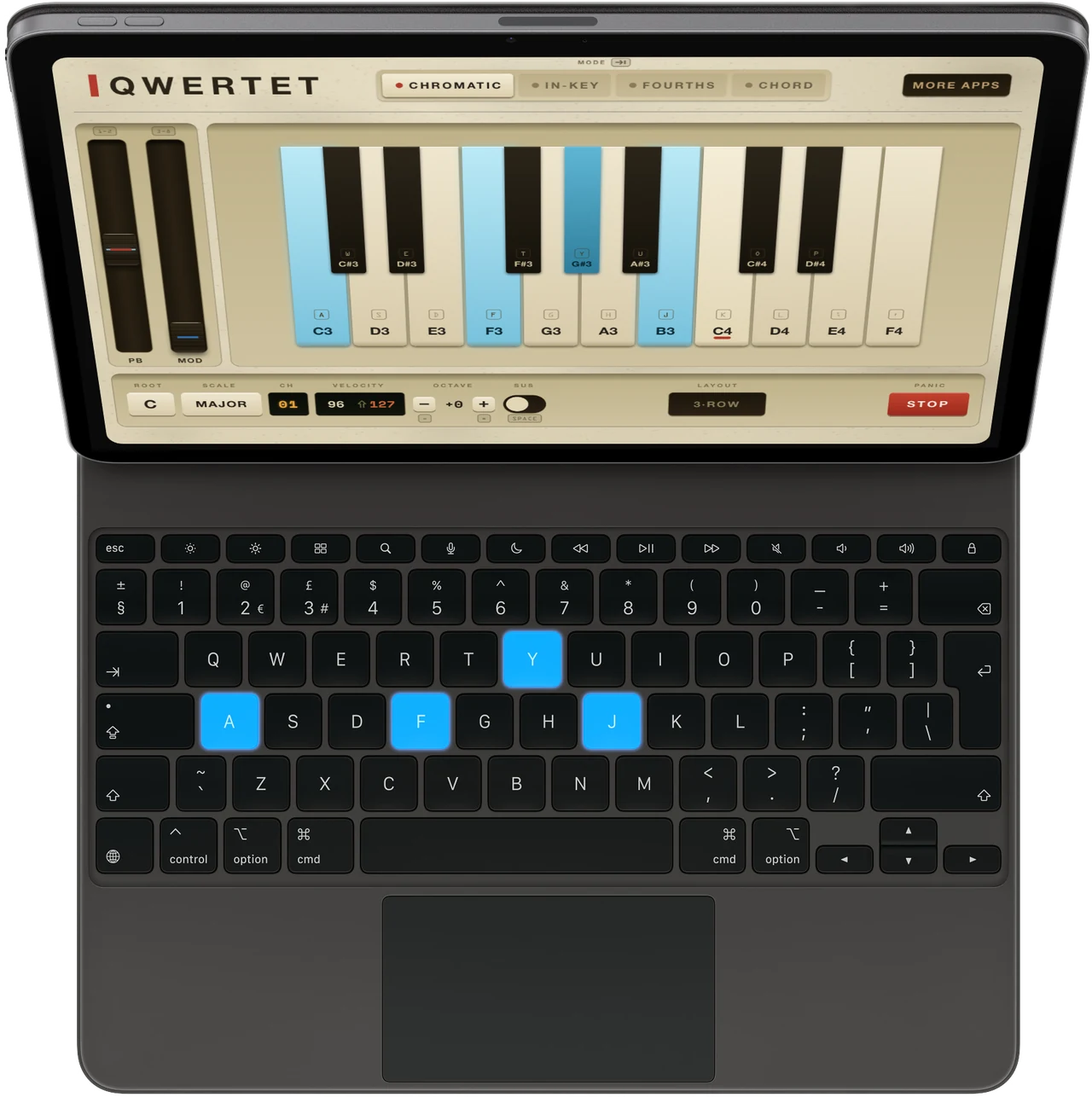
Connect a USB or Bluetooth keyboard to your iPad or iPhone and it becomes a MIDI controller. Four layouts, from a plain piano to one-key chords. Run it on its own, or as an AUv3 inside AUM, Logic and the rest.
Four ways to play
Press Tab to switch layouts. Pick whichever one fits what you're playing.
 Mode
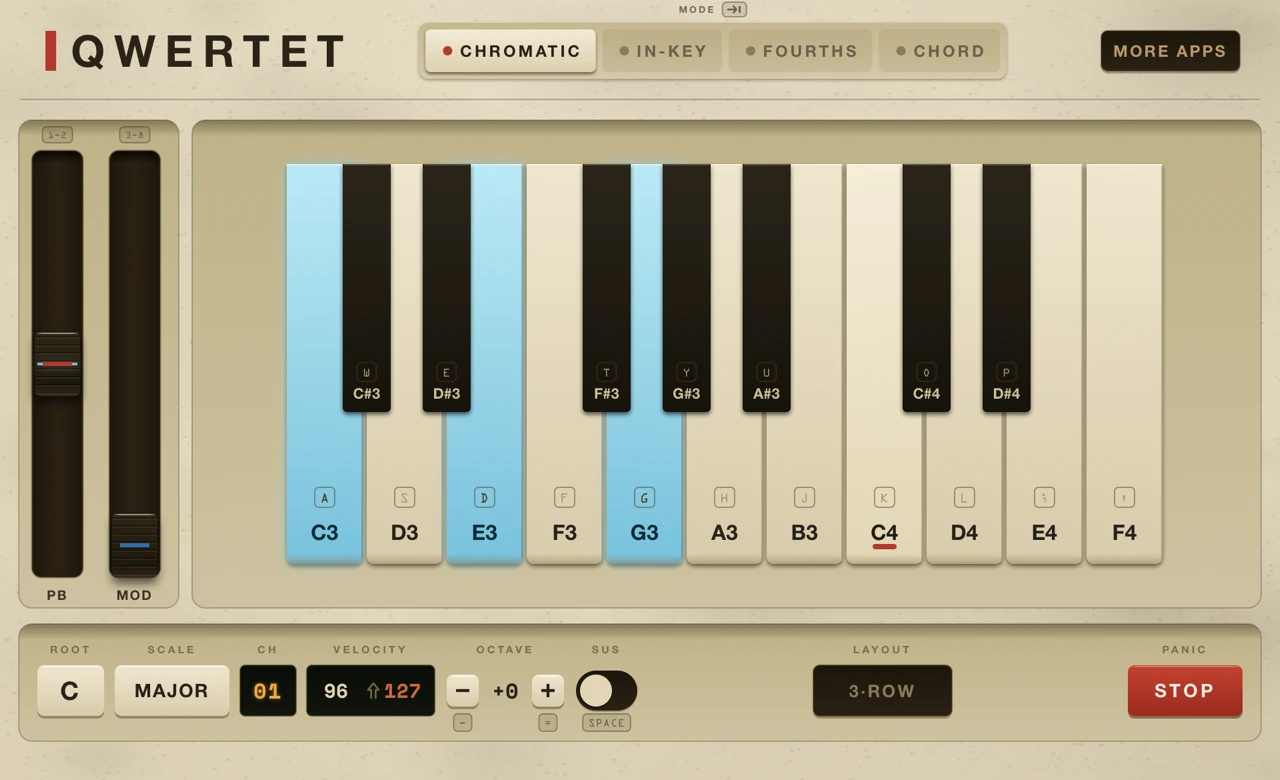
ModeChromatic
Laid out like a piano, with black notes up top, plus pitch and modwheel shortcuts.
 Mode
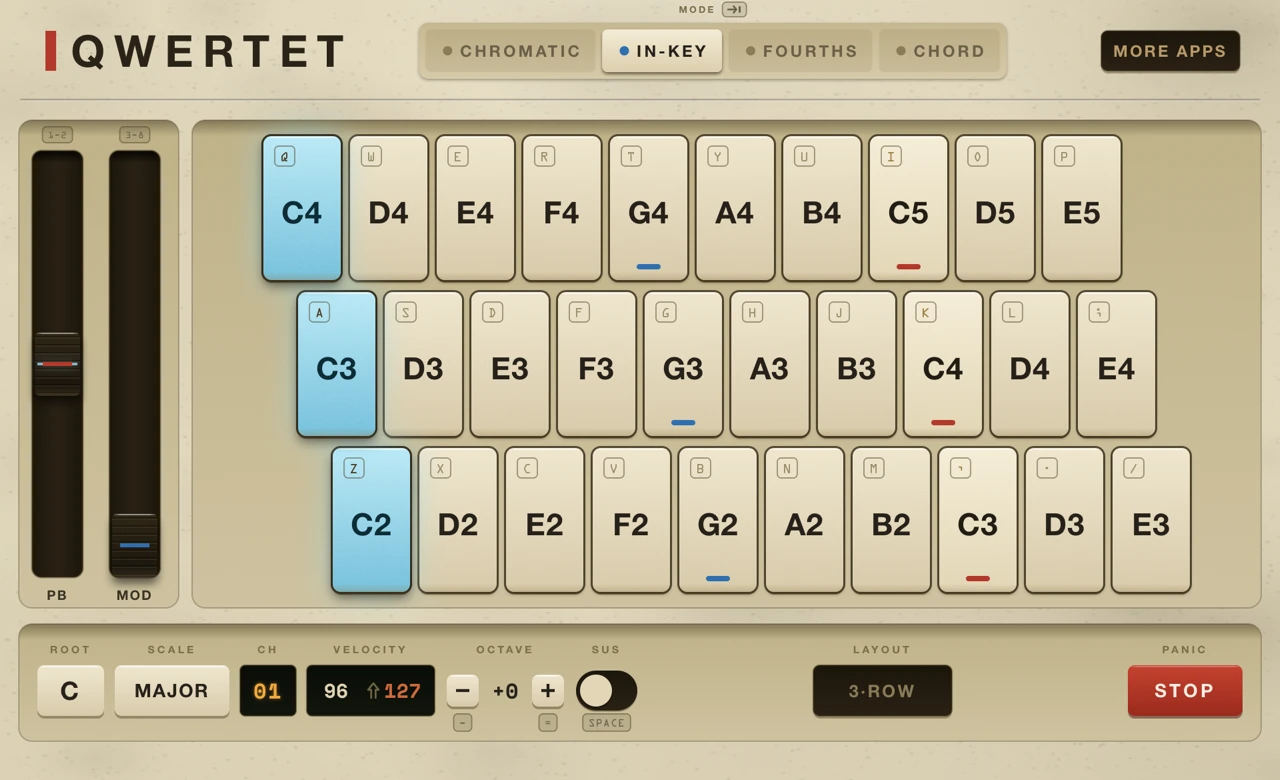
ModeIn-Key
Set a key and lock yourself to its scale. Wrong notes are hard to play.
 Mode
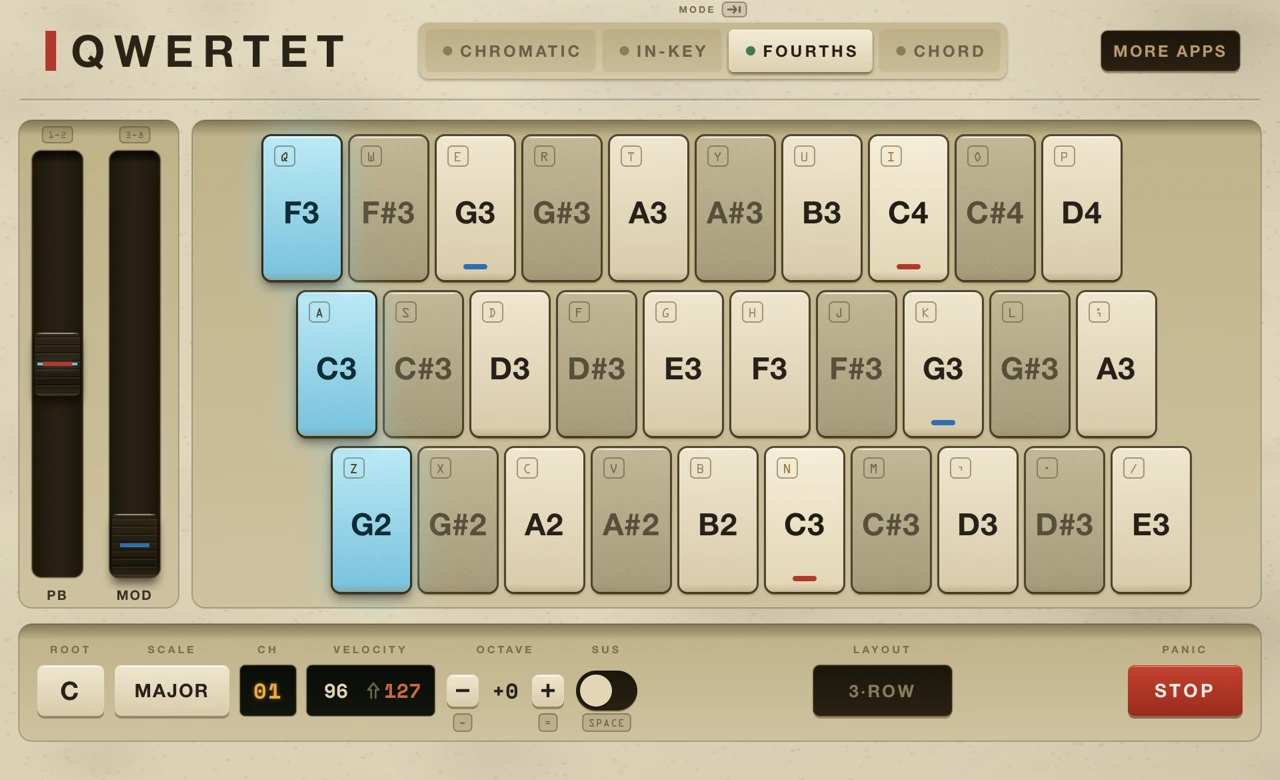
ModeFourths
A grid tuned in fourths, letting you transpose key shapes across the scale.
 Mode
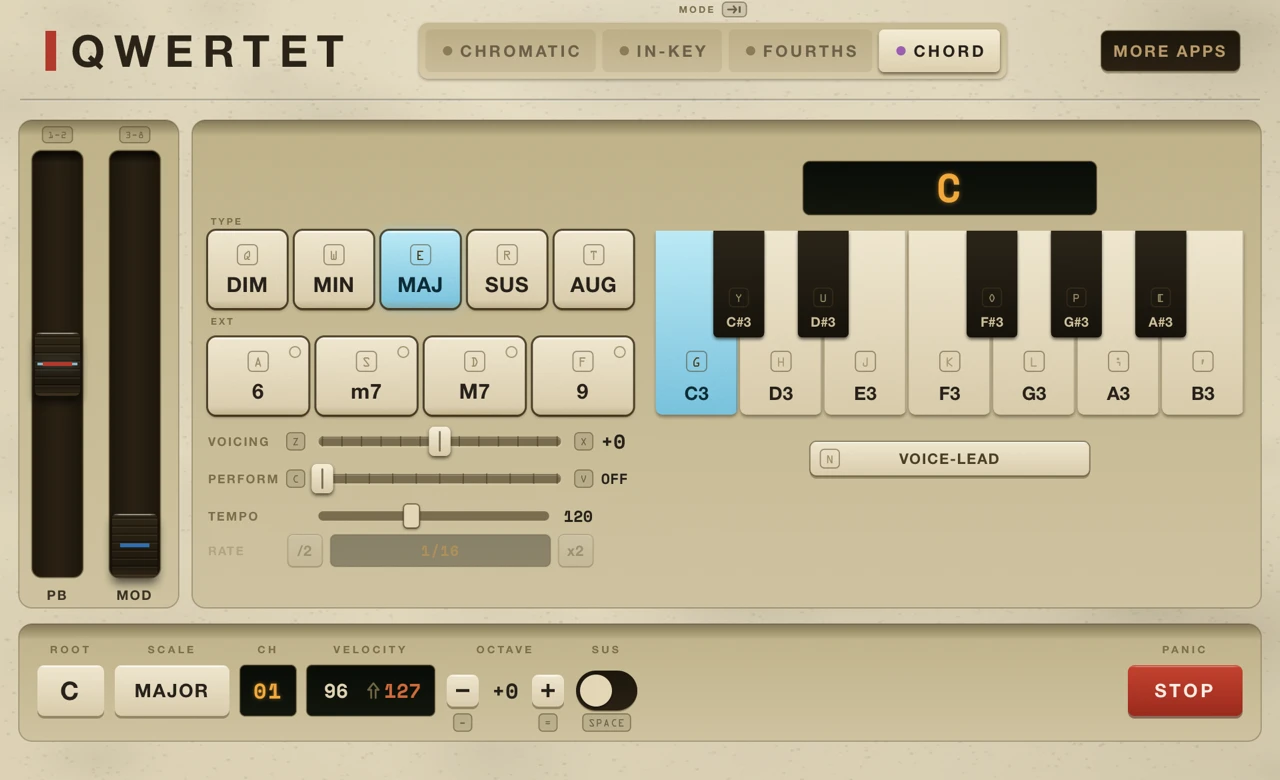
ModeChord
One key, one chord. Major, minor, dim, aug or sus, with 6, m7, M7 or 9 on top. Voice them, strum them, or let the arp run.
Expression, from the keys
- Num-row shortcuts for pitch bend and modwheel adjustments.
- Hold spacebar as a sustain pedal.
- Shift let's you switch between two velocities for extra dynamics.
- Change the root, scale or octave and the whole board moves with it.
- Chord mode works with external midi for triggering chords.
- Need more notes? Four-row mode drops the num-row for two full ocaves in Chromatic, and four rows for In-Key and Fourths modes.
ROLL·OVER
What chords can your keyboard play?
Most keyboards handle a good range of chords just fine, but many have limitations when pressing more than a few keys. This is a hardware limitation, not something QWERTET can overcome, but you can test your keyboard's capabilities right in the browser, before you buy.
Get QWERTET
Play MIDI with the keyboard already on your desk.